

Schedules and hours
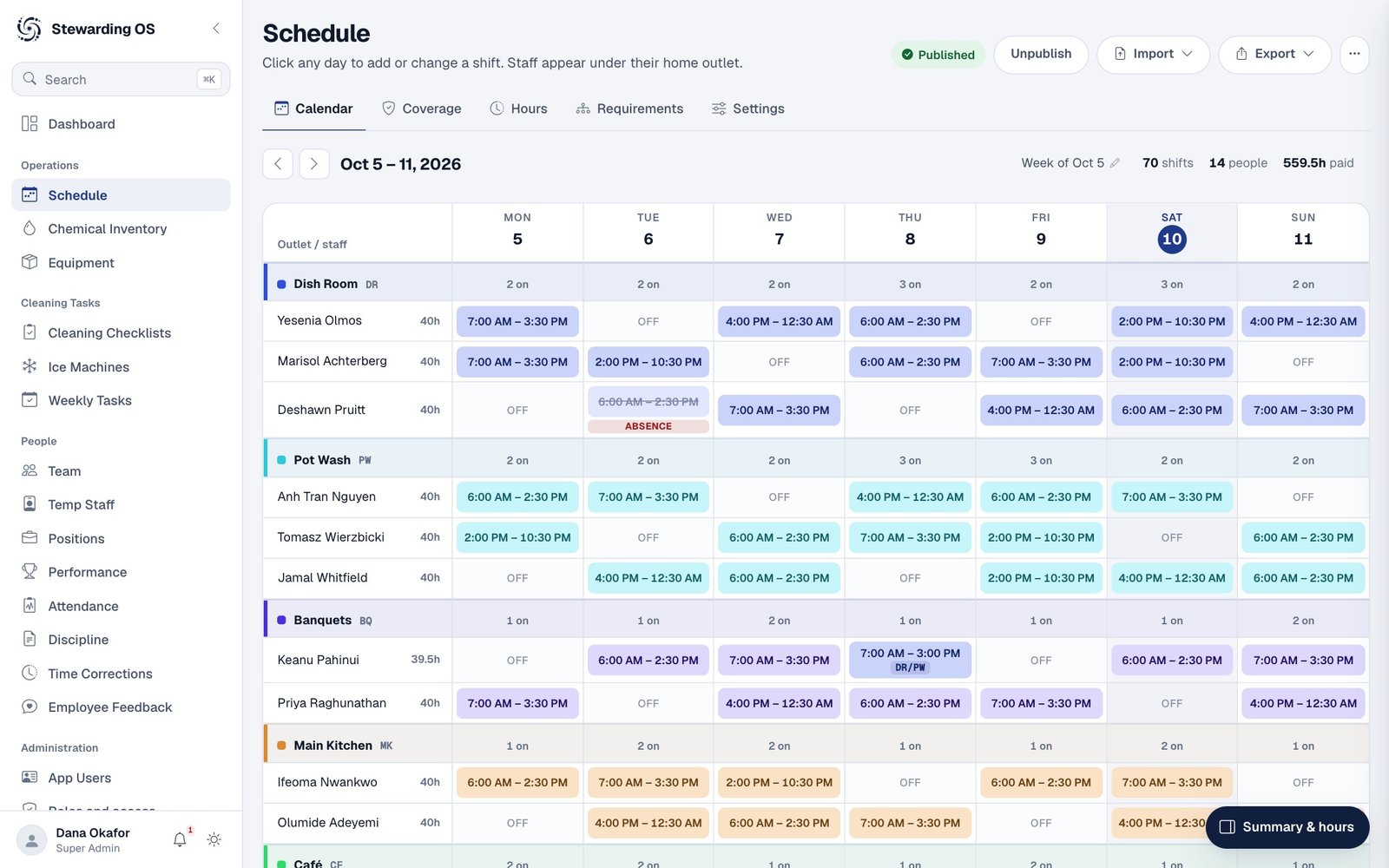
Build the week by outlet, see hours per person and check coverage before anyone is short.

Stewarding OS keeps schedules, cleaning checklists, chemicals and equipment in one place, with points that credit everyone who pitches in.
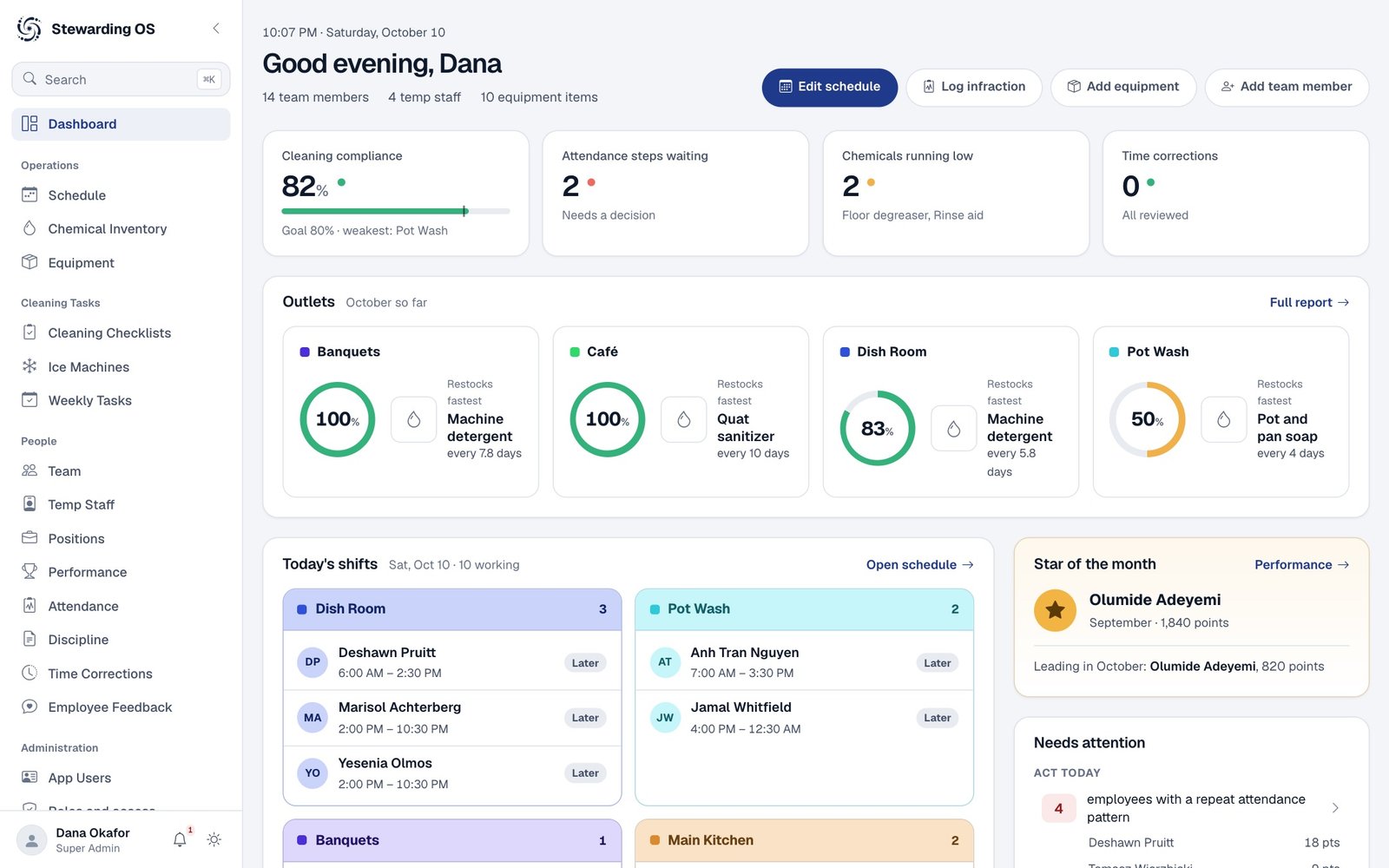

Built around how a dish room actually runs: shifts by outlet, equipment by outlet, and jobs that repeat every week.
Build the week by outlet, see hours per person and check coverage before anyone is short.
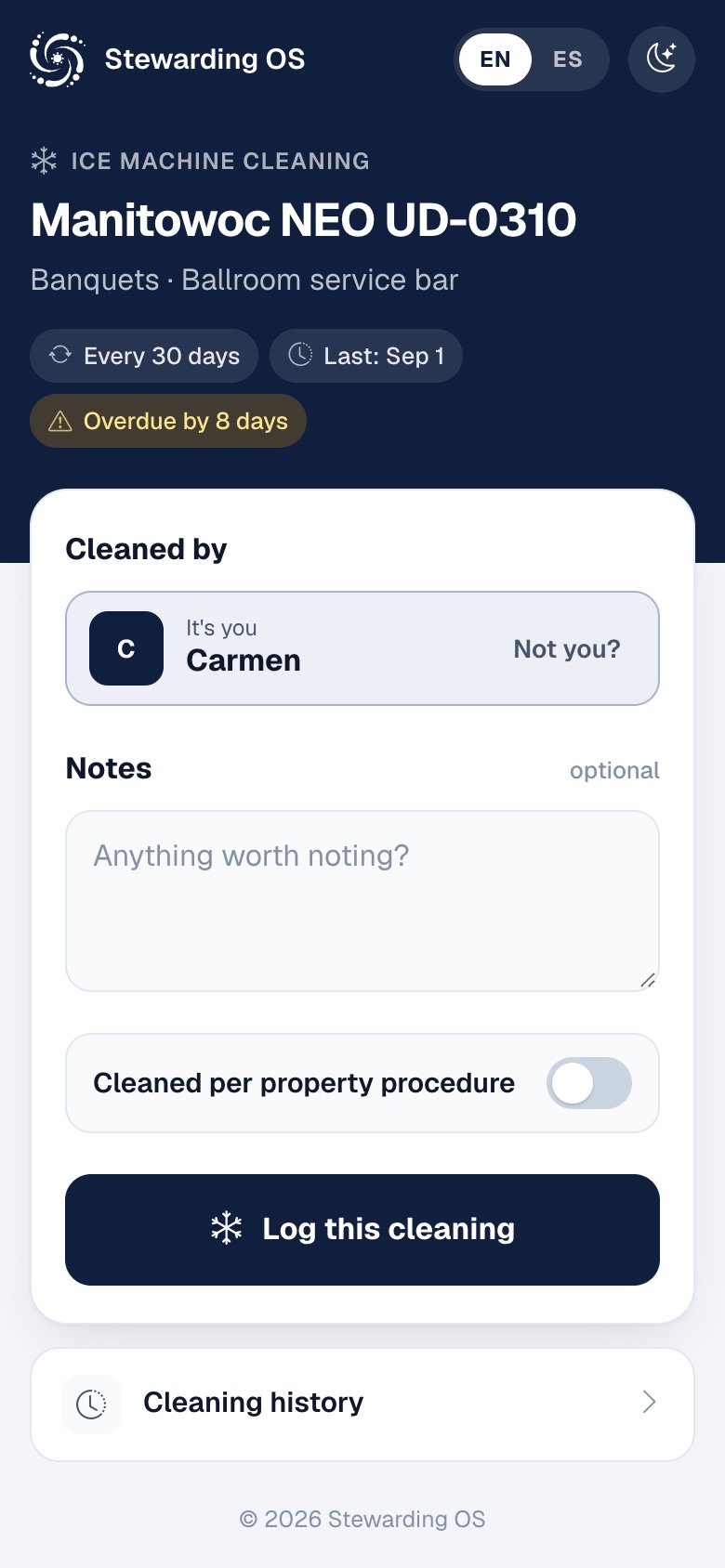
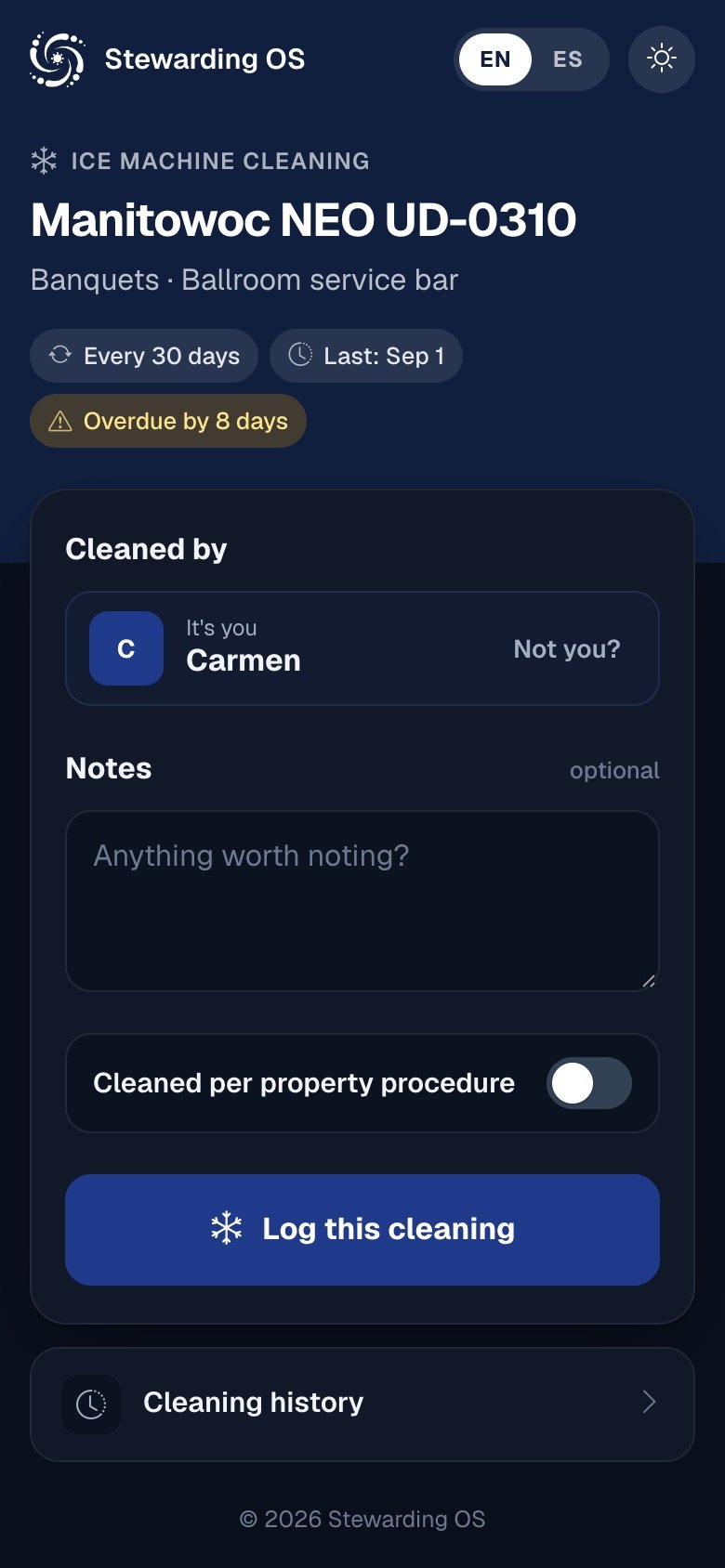
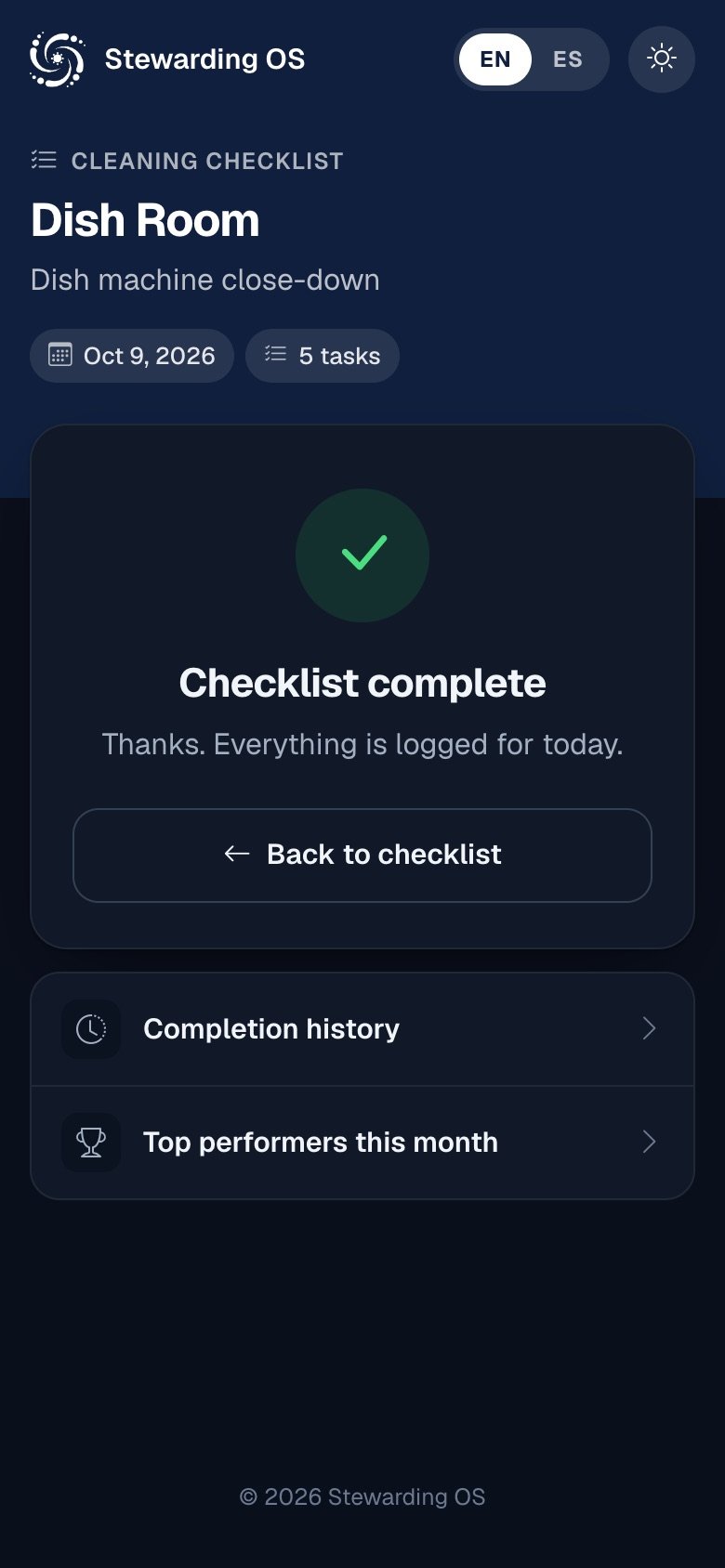
Every checklist, ice machine and oil cart gets a QR code. Staff scan it and log the work right there.
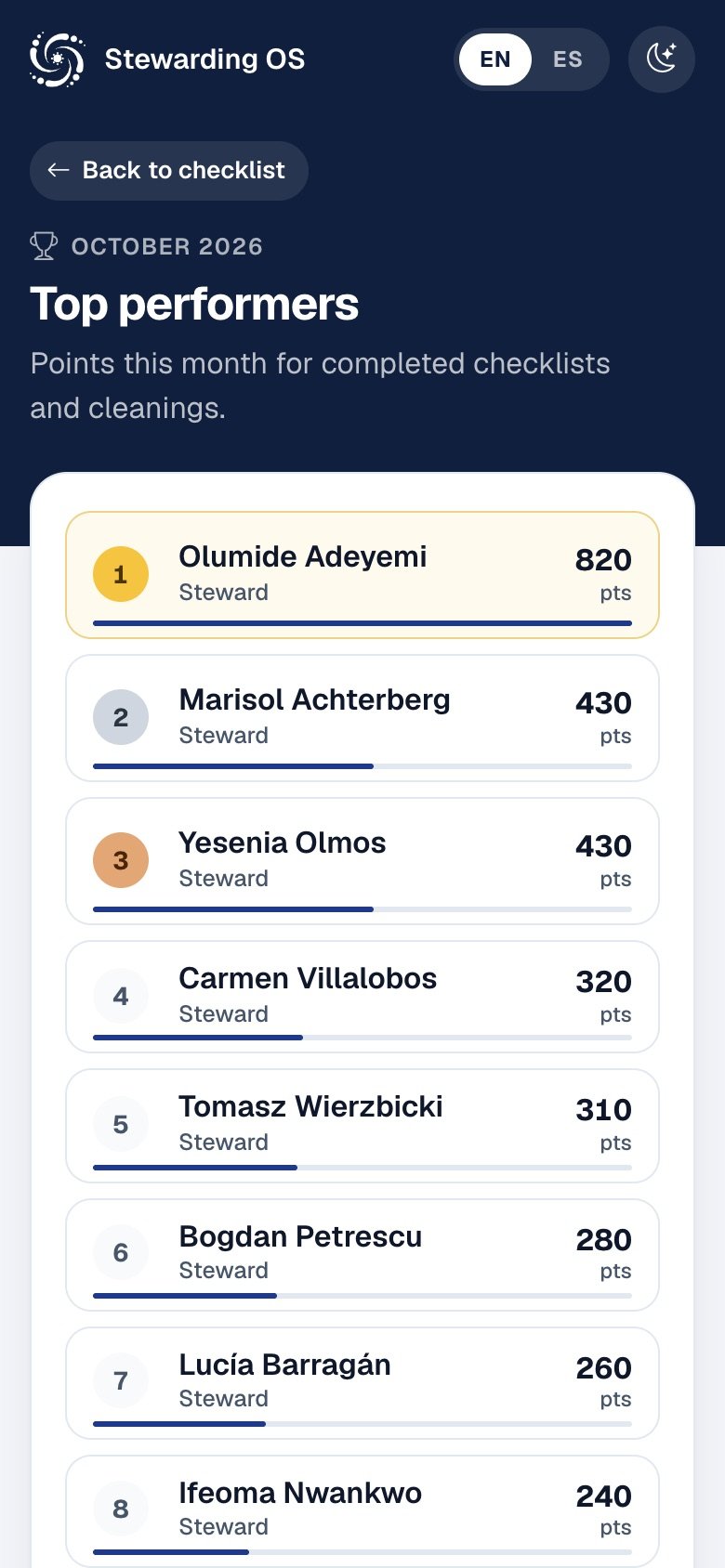
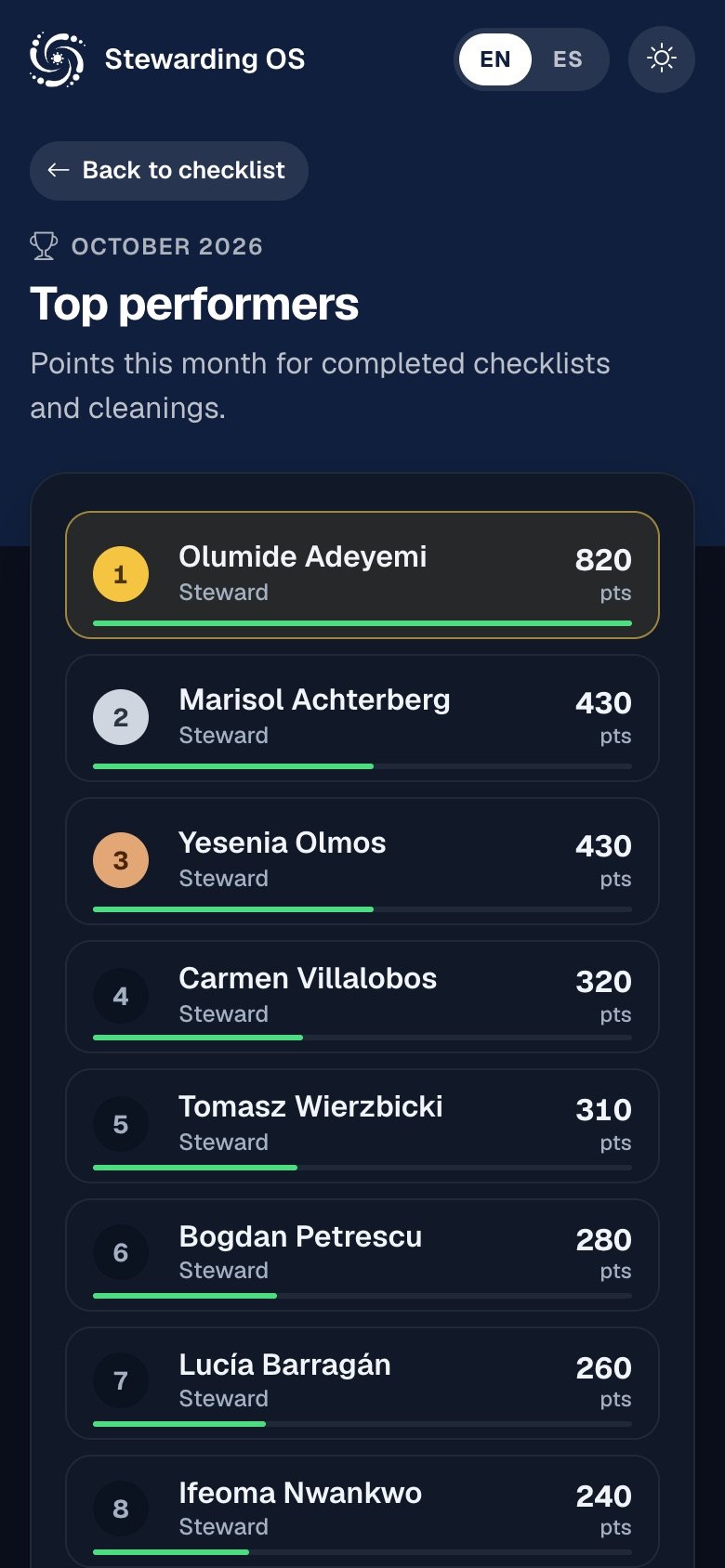
Checklists, cleanings and weekly jobs earn points for everyone who helped. You decide what each one is worth.
What's on hand, how long it will last at the current rate, and what to reorder. Every delivery, send and count stays on record.
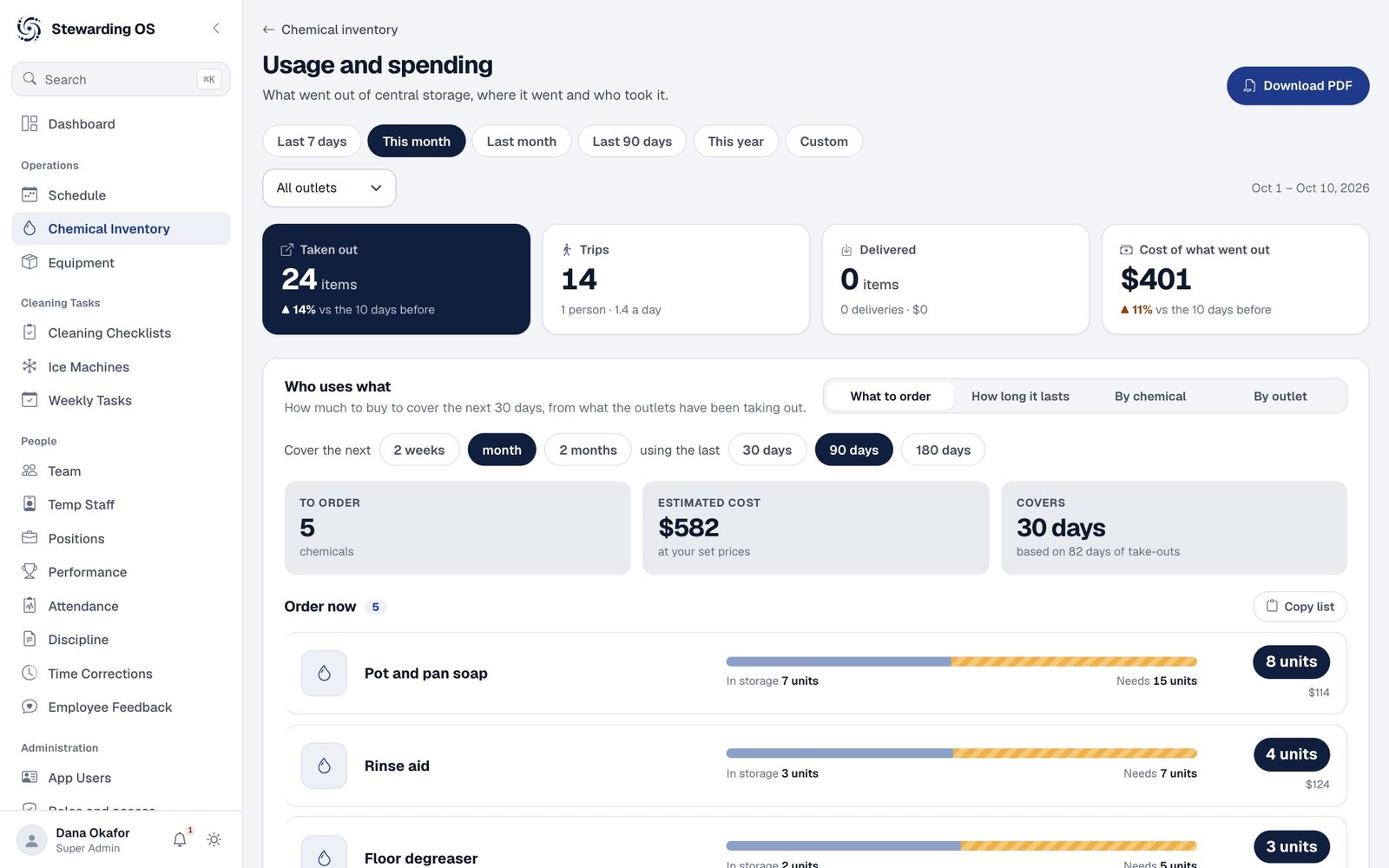

Racks, carts and smallwares counted against par, with a heads-up before anything runs short.
Team and temp staff profiles, availability, attendance and discipline, kept with the person they belong to.
Oil carts, food waste bins, silverware and delime logs, exported to Excel or PDF when someone asks.
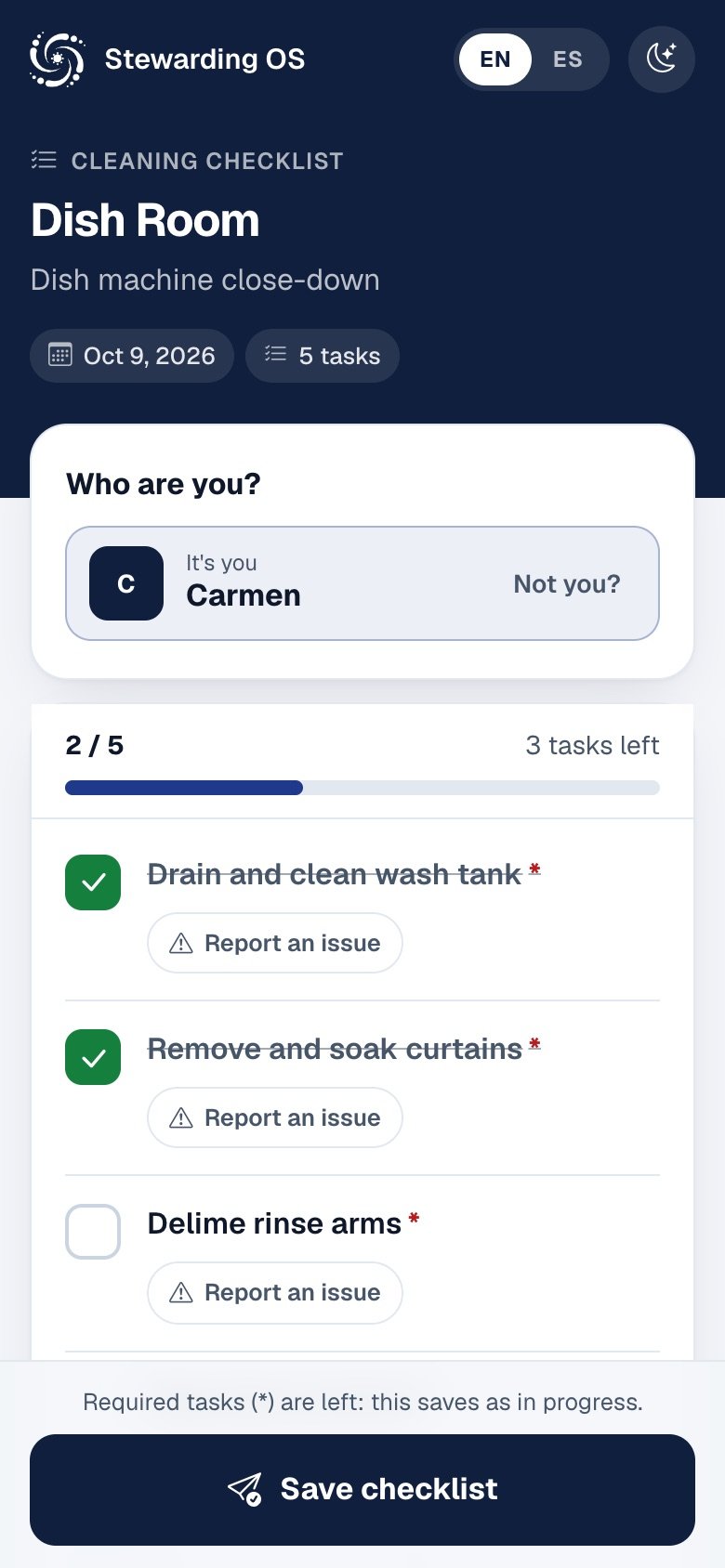
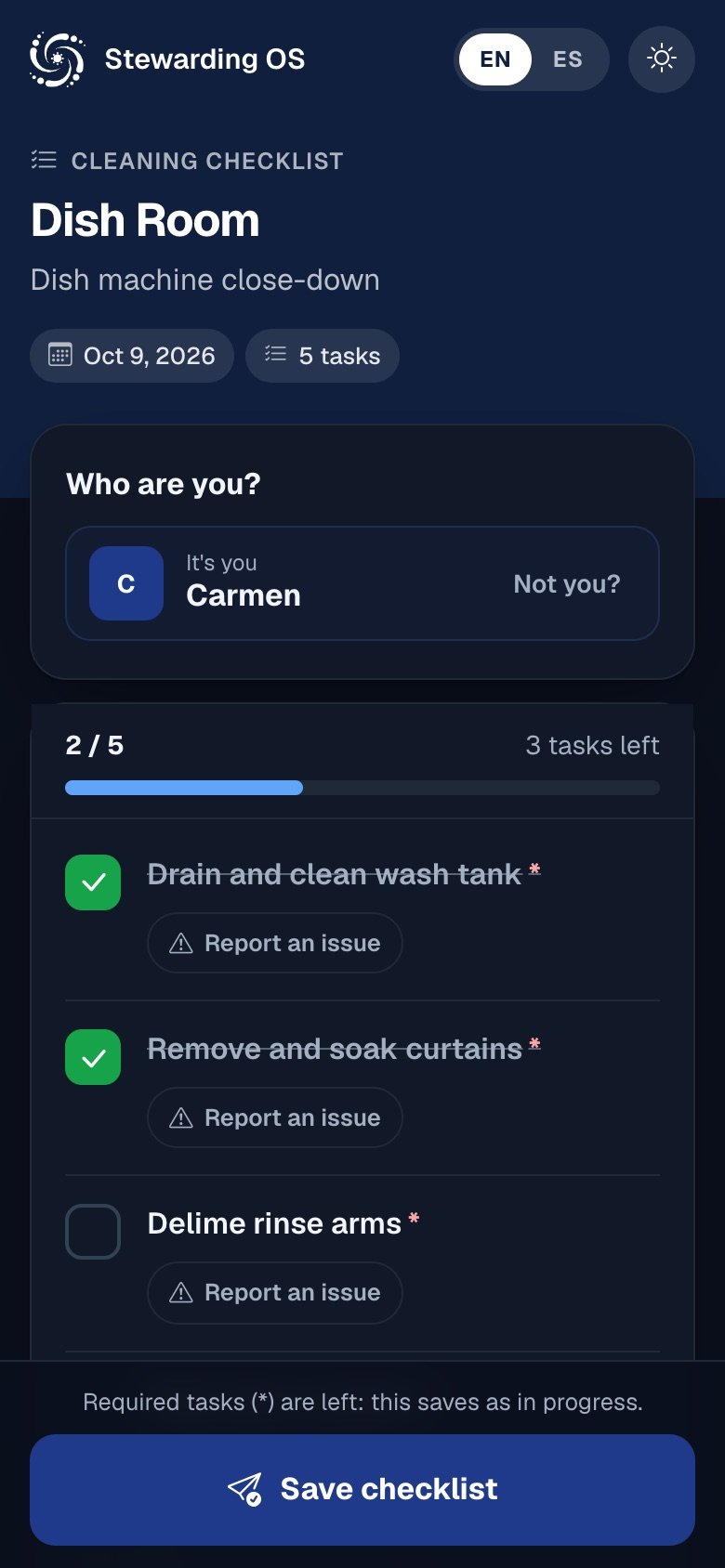
Staff use their own phone. No app, no password, and the name they picked last time is already filled in.
Print a QR sign for each checklist, machine or cart from inside the app.
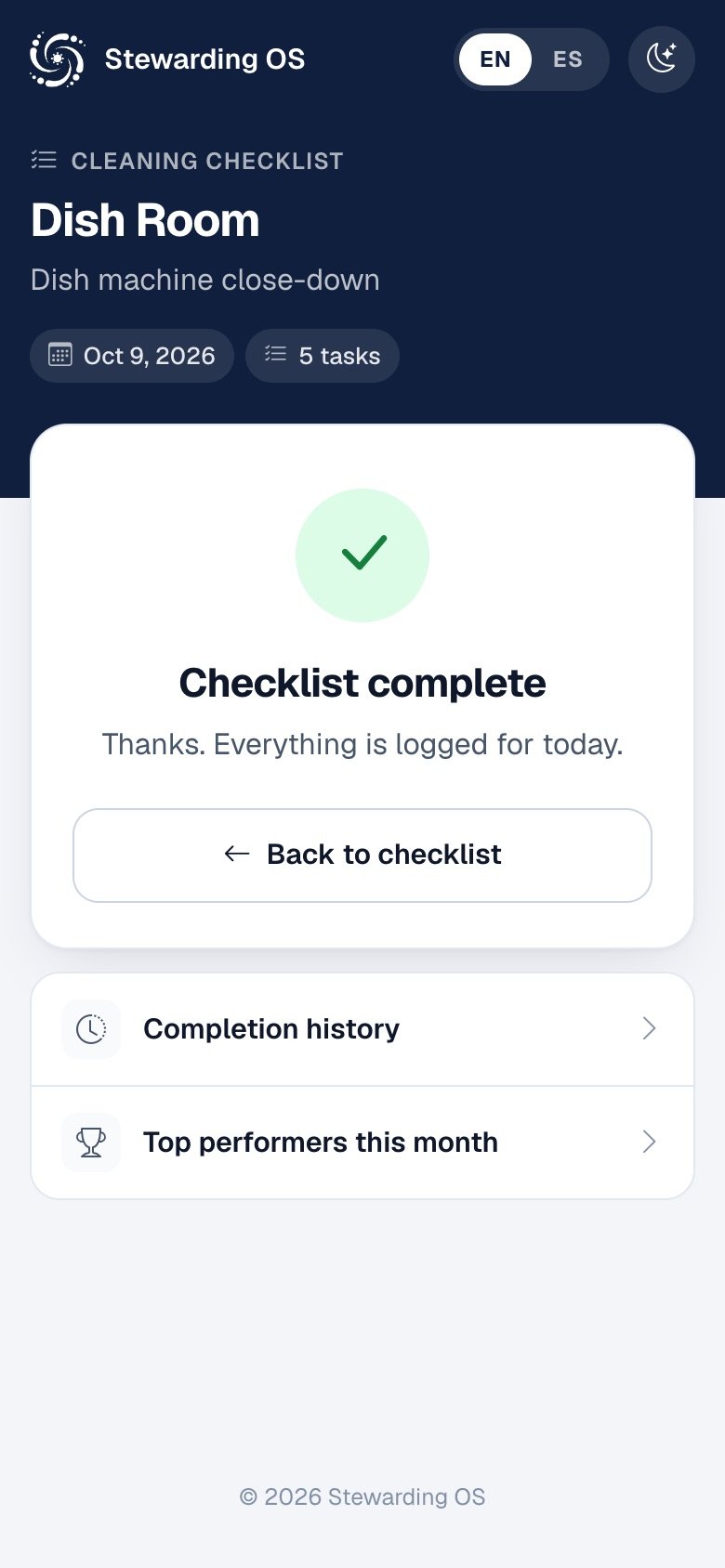
Tick tasks off, add a note or a photo of a problem, and save. Half done is fine: anyone can scan again to finish.
Done, missed and overdue work shows up for managers straight away, with history ready for audits.
Questions about this site or your data? Email contact@stewardingos.com.
There is no public sign-up. A department administrator creates each account, and repeated failed sign-ins lock it.
Every page is served over HTTPS with strict transport security. Sessions use secure, HTTP-only cookies.
Operational data is stored for your department only and never sold or shared. Read the privacy policy.
Tell us about your department and we will set up a walkthrough.